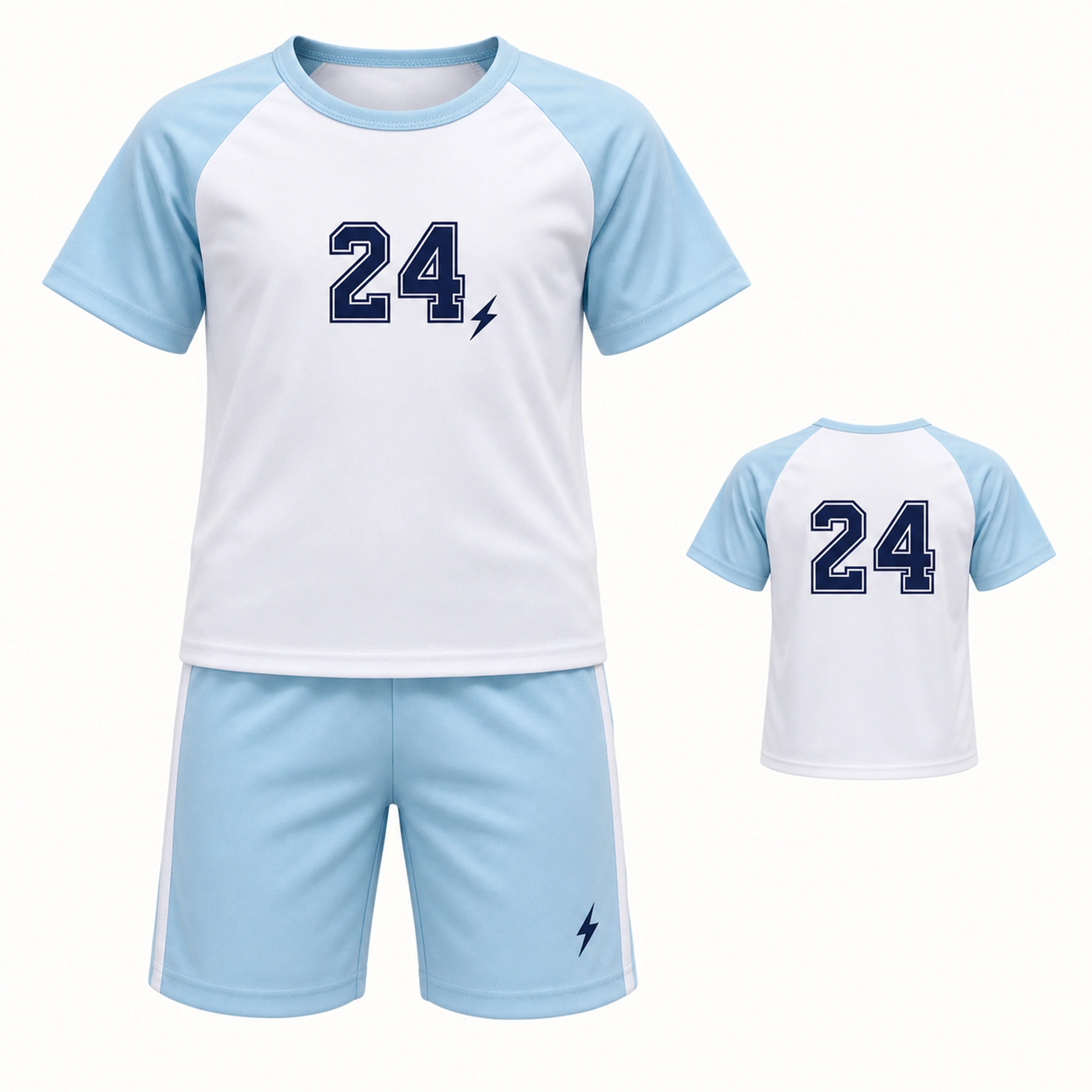
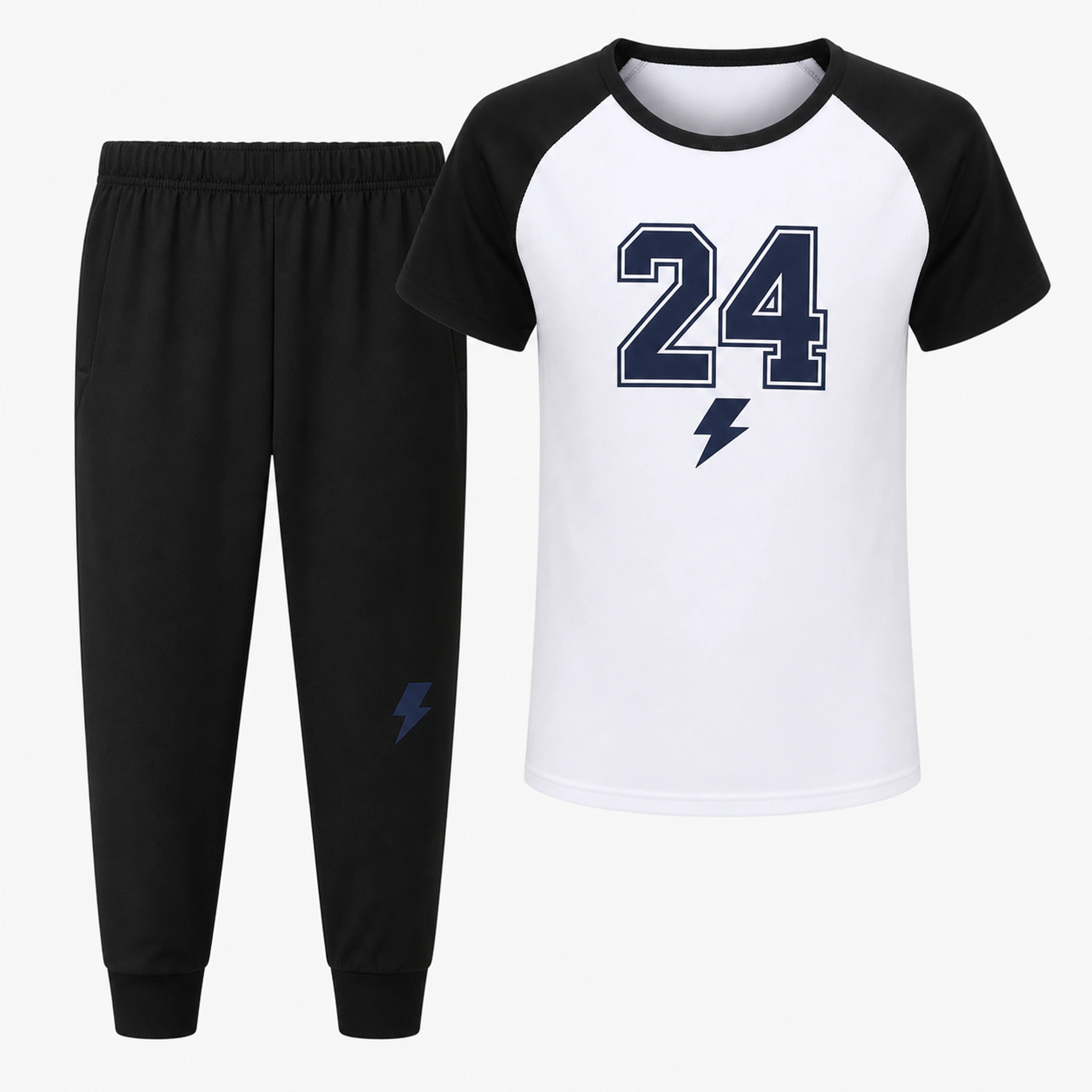
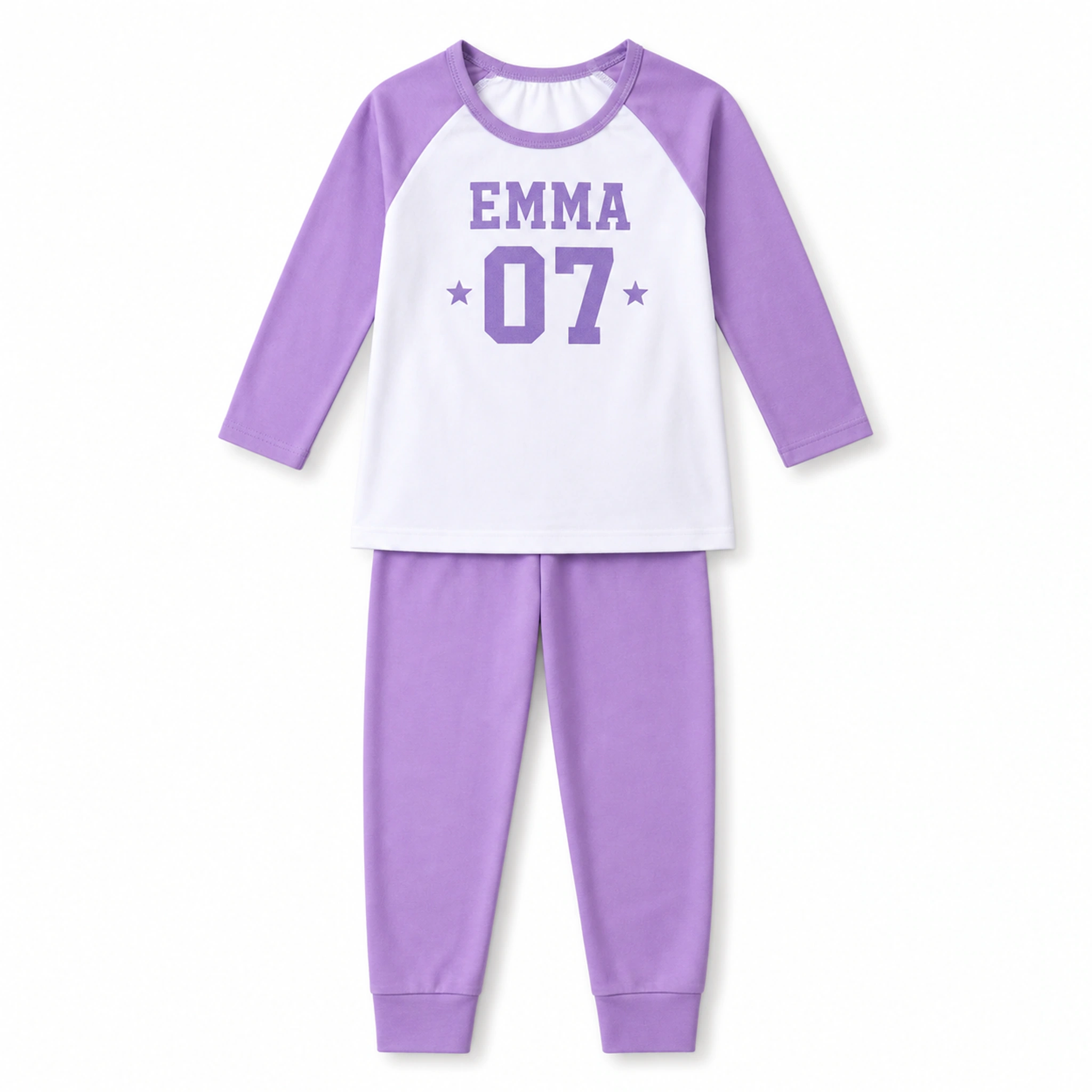
1. Use columns that answer production questions
Each roster row should identify one physical garment and the exact details that belong on it. Avoid combining several facts into one notes cell; separate columns make missing values and duplicates easier to see.
| Column | What to enter | Why it is separate |
|---|---|---|
| Row ID | G001, G002, G003 | A stable reference that is not printed |
| Print name / role | Maya / Coach / Birthday Kid | Exact front or back wording |
| Number | 7 or 07 | Preserves the intended format |
| Product | Exact product name or link | Prevents size-chart mix-ups |
| Color | Listed product color | Connects the design to the blank |
| Size | Selection from that product's chart | Avoids age-only assumptions |
| Quantity | Usually 1 per row | Makes duplicates intentional |
| Placement | Left chest / upper back / both | Connects wording to location |
| Notes | Approved exception only | Keeps unusual instructions visible |
2. Use one row per garment
If one child needs two identical shirts, either use two rows or set the quantity to two in a clearly defined quantity column. If the colors, sizes, or wording differ, they must be separate rows. This makes the number of physical garments traceable.
Do not merge a family into one row such as 'Smith family, five shirts.' That row cannot show which print name belongs to which size and color. The group relationship can live in a separate group column if it helps distribution.
3. Collect only information needed for the order
For children's group orders, avoid collecting full birth dates, home addresses, school records, medical information, or personal details that are not required to print and deliver the garments. A simple row ID can connect the production roster to a separate coordinator list without exposing extra information.
Ask the coordinator to share the final roster through the agreed channel and to remove outdated copies from shared folders when practical. The production roster should contain print and order details, not a full directory of children.
4. Give every revision a visible version
Use file names or sheet labels such as Draft 1, Review 2, and FINAL - Proof Check. Add a revision note when names, numbers, sizes, colors, or quantities change. Never label two different files 'final.' One coordinator should have authority to release the approved version.
Collect
Gather entries and mark incomplete sizes or wording.
Clean
Apply the agreed spelling, capitalization, and number format.
Reconcile
Total rows by product, color, size, and quantity.
Freeze
Name one version as the proof-review source.
Approve
Compare the final proof with that exact version.
5. Run five checks before sending the roster
A complete-looking spreadsheet can still contain silent mistakes. Filter or sort the final roster and run these checks before it is used to create the proof.
- No blank product, color, size, quantity, or required print field
- No accidental duplicate row IDs or duplicate player numbers
- Every selected color and size exists on the exact product page
- The quantity total equals the number of garments the coordinator expects
- The print position matches the wording assigned to front and back
Put the guide into practice.
Use these pages to compare the relevant styles, process, and order policies.